
Creating a clean and inviting workspace doesn’t have to take hours or require a full makeover. Sometimes, all you need is a quick refresh to boost your mood and productivity. Whether you work from home or in an office, spending just ten minutes on your workspace can make a big difference. This post will guide you through easy steps to refresh your workspace quickly, so you can get back to work feeling organized and inspired.
Why Refresh Your Workspace?
A neat workspace helps you focus, reduces stress, and can even spark creativity. Over time, desks gather papers, pens, and other items that aren’t always needed. Refreshing your workspace doesn’t mean a deep clean every day—it’s about taking a few minutes to clear clutter and brighten your environment.
Quick Workspace Refresh in 10 Minutes: Step-by-Step
1. Set a Timer (1 minute)
Start by setting a timer for ten minutes. This keeps you focused and ensures you don’t spend too much time on the task. Knowing you have a defined window helps keep the refresh manageable.
2. Clear Out the Trash and Unnecessary Items (2 minutes)
Grab a small trash bin or bag and toss any junk paper, empty cups, used sticky notes, or broken pens. If you spot items that don’t belong on your desk, put them in a “relocate” box or bag to deal with later. Removing trash and unrelated clutter instantly makes space feel cleaner.
3. Put Away Loose Items (2 minutes)
Gather pens, notebooks, chargers, and other frequently used items. Place them in drawers, organizers, or containers. This step keeps your workspace tidy without removing the tools you need daily. Using small trays or cups to hold stationery can help keep the desk surface neat.
4. Wipe Down Surfaces (2 minutes)
Use a damp cloth or disposable wipe to clean your desk, keyboard, mouse, and screen. Removing dust, fingerprints, and crumbs improves both appearance and hygiene, giving your space a fresh feel.
5. Organize Digital Clutter (2 minutes)
Open your computer and quickly organize your desktop files or close unnecessary tabs. Delete or archive files you no longer need. A clean digital workspace supports better focus and faster computer use.
6. Add a Personal Touch (1 minute)
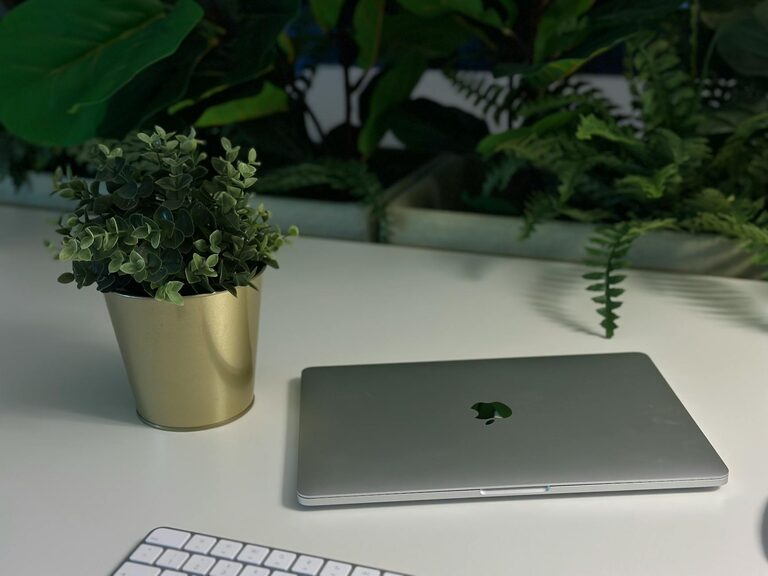
Place a small plant, photo, or decoration on your desk. These little touches can boost your mood and make your workspace more inviting. Choose something simple so you don’t add clutter back in.
Bonus Tips for Maintaining a Fresh Workspace
– Daily mini tidy: Spend 2-3 minutes at the end of each workday tidying your desk.
– Keep essentials only: Regularly evaluate what you need and remove items that don’t serve a purpose.
– Use storage solutions: Bins, trays, and drawer dividers help keep things in their place.
Benefits of a Regular Workspace Refresh
Consistently refreshing your workspace encourages better focus, reduces distractions, and enhances your workflow. A clean surface lets your mind feel less overwhelmed and makes it easier to find what you need quickly.
—
Refreshing your workspace in just ten minutes is a simple but effective habit. By clearing clutter, cleaning surfaces, and adding a touch of personalization, you create an environment that supports productivity and well-being. Give it a try today—you might be surprised at how much a small change can improve your workday.